

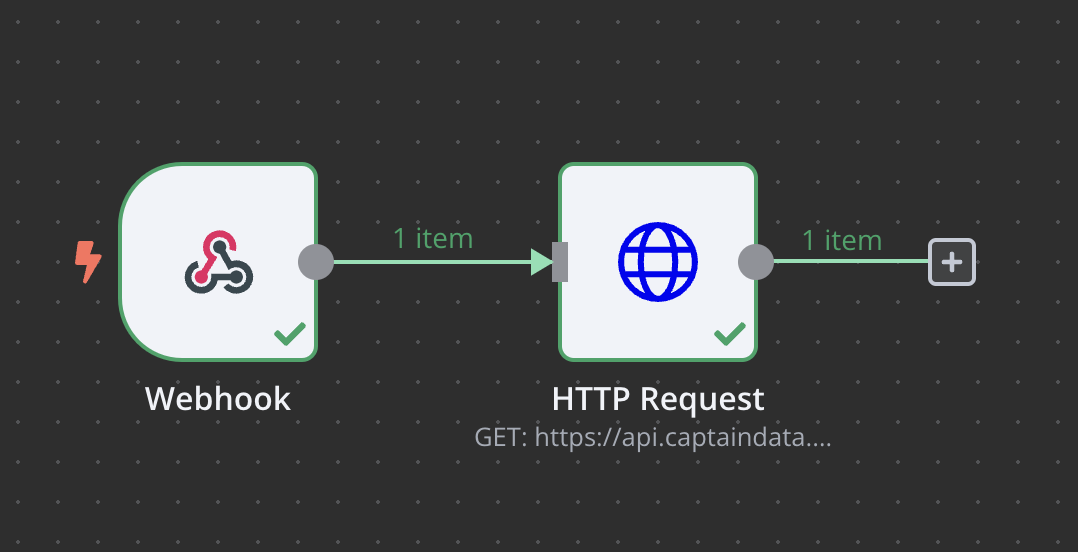
n8n Nodes Setup
HTTP Request module using Get a Run’s Results.
1. Import the Blueprint
Copy and paste the following JSON into n8n to create your workflow:2. Configure Captain Data
- Navigate to Captain Data and go to the Webhook tab.
- Add the webhook URL from n8n to the associated job.
3. Configure n8n’s HTTP Module
- Go to your general settings in Captain Data.
- In n8n’s HTTP module, update the following:
- Header Authentication: Add your API key.
- Header Parameters: Include your Project ID (
x-project-id).